
How to Declutter Your Digital Life Effectively: Tips for Digital Decluttering
A practical digital decluttering plan — inbox zero the sustainable way, file structure that holds, and the app audit that cuts time on your phone without drama.


23 min read
Getting Started
Digital decluttering is mostly one-time decisions that pay off for years. An unsubscribe. A folder. A keyboard shortcut. A rule in your email client. You will never again have to decide where that newsletter goes or whether to keep that app. Clutter accumulates because we keep making the same small decisions poorly — decluttering is the process of making each of those decisions well, once.
This guide walks through an end-to-end plan for decluttering your digital life: a realistic inbox reset (not Inbox Zero theater, just a working triage), a file structure that survives longer than three weeks, a phone-app audit with firm rules for keeping an app, a password and subscription cleanup, and a simple maintenance rhythm. Covers the tools worth using and the ones that just add more clutter. Pair with digital organization tips for ongoing habits.
Assessing Your Digital Clutter
In our increasingly digital world, the need to declutter our devices has never been more pressing. Just as physical spaces can become overcrowded, so too can our digital environments. This section focuses on assessing your digital clutter through two main subsections: identifying areas of clutter and evaluating digital habits.
Identifying Areas of Clutter
The first step in learning how to declutter your digital life effectively is recognizing where your clutter resides. This can include various areas such as apps, files, emails, and even photos. By pinpointing these areas, you can develop targeted strategies for digital decluttering.
Tools for Analyzing Storage Usage
To effectively assess digital clutter, utilizing storage management tools can provide invaluable insights. For example:
- iOS Devices: The “Storage” section in the settings menu gives users a breakdown of what occupies their storage space, helping to identify large apps and files.
- Android Devices: Similar functionalities exist on Android, where users can see storage usage through the “Storage” option in settings.
- Third-Party Apps: Applications like DiskUsage and Storage Analyzer can visualize storage use, making it easier to identify which files or apps are rarely used.
According to a recent study by TechCrunch, 62% of smartphone users have reported that they regularly run out of storage due to unused apps and files. This statistic underscores the importance of using these tools to guide your decluttering efforts.
Recognizing Rarely Used Apps and Files
In addition to analyzing storage, it’s crucial to evaluate how often you use certain apps and files. Here are some strategies for identifying what you might want to declutter:
- Sort by Last Used: Many devices allow you to sort apps by the last time they were used. This feature can help you quickly identify which apps have fallen into disuse.
- Set a Usage Threshold: Decide on a timeframe, such as six months, and evaluate which apps haven’t been opened during that period. If an app hasn’t been used in six months, consider uninstalling it.
- Email Management: Use email clients that categorize and highlight rarely opened emails. Gmail, for instance, has a “Promotions” tab that can often contain emails you no longer wish to receive.
By routinely assessing your digital clutter, you can keep your devices running smoothly and ensure that only the most relevant tools and files are at your fingertips.
Evaluating Digital Habits
Understanding your digital habits plays a crucial role in effective decluttering. By gaining insight into how you interact with your devices, you can make informed decisions about what to keep and what to let go.
Self-Reflection on Usage Patterns
Take some time to reflect on your digital habits. Consider the following questions:
- How frequently do I check my email?
- Which social media platforms do I use the most?
- Are there apps I installed for a specific purpose but never opened again?
Recognizing these patterns can help you understand your priorities, allowing you to declutter more effectively.
Current Trends in Digital Organization
Recent data shows that individuals are increasingly seeking methods for better digital organization. For instance, according to a survey by the Pew Research Center, 57% of adults reported feeling overwhelmed by the amount of digital information they encounter daily. This sentiment highlights the necessity of developing effective digital organization tips, such as:
- Regularly scheduling time for digital decluttering.
- Utilizing productivity apps like Todoist or Notion to manage your tasks and files.
- Establishing a folder system that makes files easily accessible and reduces time spent searching for documents.
By implementing these strategies, individuals can enhance productivity and reduce stress associated with digital clutter.
Conclusion
Assessing your digital clutter is an essential first step in the journey to decluttering your digital life effectively. By identifying areas of clutter and evaluating your digital habits, you can create a more organized and efficient digital environment. Use tools to analyze storage usage on your devices and recognize which apps and files are rarely used. With the right strategies in place, you can streamline your digital experience and enjoy a more productive lifestyle.
For more insights on digital organization strategies, you can explore articles from Wired and NPR for the latest trends and tips.
Decluttering Your Devices
As our reliance on technology grows, so does the clutter within our digital lives. Decluttering your devices is essential not only for enhancing productivity but also for maintaining a clear mental space. Here, we will explore effective ways to clean up your files and folders as well as manage your apps and software.
Cleaning Up Files and Folders
One of the most significant aspects of digital decluttering is organizing files and folders logically and deleting unnecessary files. Here are some practical tips for digital decluttering that can help you streamline your digital storage:
Assess and Delete: Start by reviewing your files. Delete any documents, images, and videos that you no longer need. According to a report by the International Data Corporation (IDC), the average employee spends about 2.5 hours a week searching for files. Reducing the number of irrelevant files can save valuable time.
Create a Logical Folder Structure: Establish a clear hierarchy for your folders. For example, you could categorize your files into main folders such as “Work,” “Personal,” and “Projects.” Within each of these, create subfolders like “Reports,” “Presentations,” or “Photos.”
Develop a Consistent Naming System: Implement a file naming system that makes sense for easy navigation. For instance, if you are saving reports, use a format like “YYYY-MM-DD_Project_Name_Report_Type” (e.g., “2023-10-01_Marketing_Strategy_Final”). This approach allows for easy sorting and retrieval.
Utilize Cloud Storage: Services like Google Drive and Dropbox can help keep your files organized and accessible from anywhere. A recent study indicated that 67% of organizations now use cloud storage solutions, primarily for improved collaboration and accessibility.
Regular Clean-Up Schedule: Set a recurring reminder every month to revisit your files. This habit can prevent future clutter and ensure that your digital workspace remains organized.
Managing Apps and Software
Apps can become a source of digital clutter, especially if you have installed many that you rarely use. Here are effective strategies to declutter your devices by managing your apps and software:
Uninstall Unused Apps: Regularly review the apps on your devices. According to a 2023 survey by App Annie, users have an average of 80 apps installed on their smartphones, but they only actively use around 9% of them. Uninstalling apps that no longer serve a purpose can free up space and reduce distractions.
Organize Apps into Folders: Much like your files, organizing apps into folders based on their functionality can improve your device’s usability. For instance, you might create folders for “Productivity,” “Social Media,” “Finance,” and “Entertainment.”
Limit Notifications: Excess notifications from apps can clutter your digital space and distract you. Go through your app settings and disable notifications for apps that are not essential. Research shows that reducing notification clutter can significantly improve focus and productivity.
Keep Software Updated: Regularly check for updates for your software and apps. Updated software often includes performance improvements and security patches that can enhance your device’s efficiency. According to a report from the Cybersecurity and Infrastructure Security Agency (CISA), outdated software is one of the leading causes of security vulnerabilities.
Evaluate Subscription Services: If you are subscribed to multiple services, assess which ones you actively use. Services like Netflix, Spotify, and Adobe Creative Cloud can accumulate charges if not monitored. A report by Deloitte found that the average consumer pays for three to four subscription services, indicating the need to regularly evaluate and declutter these expenses.
Conclusion
Decluttering your devices is an ongoing process that requires regular attention and adjustment. By cleaning up files and folders, managing apps, and developing a systematic approach to digital organization, you can create a more efficient and stress-free digital environment. For further insights into improving your digital organization, consider exploring resources from TechCrunch, Wired, and Harvard.edu. Remember, a decluttered digital life leads to a more focused and productive you.
Email Management Strategies
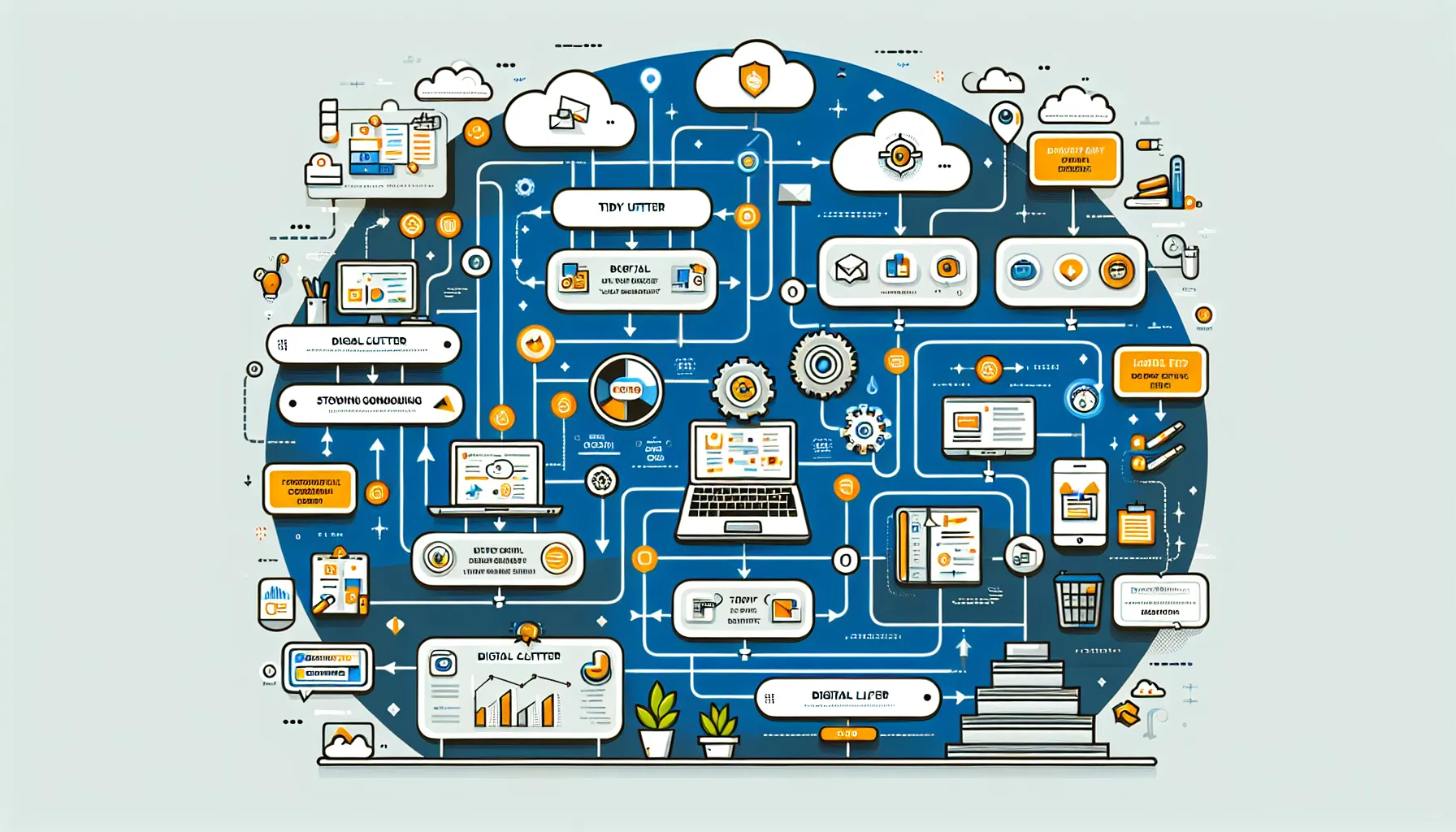
Managing your email effectively is a crucial step in learning how to declutter your digital life. An overloaded inbox can lead to stress and decreased productivity. By implementing strategic methods for email management, you can significantly reduce overwhelm and create a more organized digital workspace. Here, we will discuss two primary strategies: unsubscribing from unwanted newsletters and using folders and labels.
Unsubscribing from Unwanted Newsletters
One of the most effective tips for digital decluttering is to regularly unsubscribe from newsletters and promotional emails that no longer serve you. According to recent data from Statista, as of 2023, around 55% of emails sent are considered spam or irrelevant to the recipient. This statistic underscores the importance of actively managing your subscriptions.
To streamline your email management, follow these steps:
Identify Unnecessary Subscriptions: Take a moment to assess which newsletters and promotional emails you actually read. If you haven’t opened an email from a specific sender in the last month, it may be time to unsubscribe.
Use Unsubscribe Tools: Email management tools like Unroll.Me or Cleanfox can help you easily unsubscribe from multiple newsletters at once. These tools scan your inbox and provide you with a list of subscriptions, allowing you to choose which ones to keep or remove.
Set a Regular Schedule: Make it a habit to review your inbox weekly or monthly. Dedicate a few minutes to unsubscribe from any newsletters that no longer interest you. This routine will help prevent your inbox from becoming cluttered again.
Using Folders and Labels
Another key aspect of decluttering your email is implementing a system for categorizing important messages. By utilizing folders and labels, you can enhance your digital organization and make it easier to locate essential emails. Studies show that individuals who use organizational tools are 30% more productive in their work, indicating the effectiveness of these strategies.
Here’s how to set up an effective folder and labeling system:
- Create Main Folders: Start by creating main folders based on your needs. Common categories might include:
- Work
- Personal
- Projects
- Important
- Travel
Use Subfolders: For more granular organization, consider creating subfolders within main categories. For example, within the “Work” folder, you can have subfolders for different clients or projects.
Apply Labels: Many email services, such as Gmail, allow you to apply labels to your emails. This feature can be particularly helpful for cross-categorizing messages. For instance, you might label emails as “Urgent,” “Follow-Up,” or “Read Later.” This way, you can quickly filter your inbox based on the urgency or type of email.
Automate Organization: Take advantage of email management tools that offer automation features. For example, tools like SaneBox or Mailstrom can automatically sort incoming emails into designated folders based on predefined rules, freeing up your time and mental energy.
| Folder/Label | Purpose |
|---|---|
| Work | All work-related emails |
| Personal | Emails from friends and family |
| Projects | Specific projects you’re working on |
| Important | Critical emails that require immediate attention |
| Travel | Emails related to travel arrangements |
Conclusion
Incorporating these email management strategies into your routine can significantly enhance your ability to declutter your digital life. By unsubscribing from unwanted newsletters and establishing a structured system using folders and labels, you can create a more organized and efficient email experience. Remember, the goal is not just to declutter your devices but to make your digital interactions more meaningful and manageable.
For further insights into email management, consider exploring TechCrunch’s latest articles on digital organization trends and tools. Additionally, Bloomberg offers valuable research on productivity that may enhance your understanding of effective email practices, which you can find at Bloomberg’s business section.
Social Media and Online Presence
In today’s digital landscape, social media plays a pivotal role in how we communicate, share, and engage. However, with the proliferation of platforms and accounts, it can become overwhelming. Knowing how to declutter your digital life includes managing your social media presence effectively. Here are two essential aspects to focus on: reviewing accounts and privacy settings, and curating your feed.
Reviewing Accounts and Privacy Settings
One of the first steps in decluttering your digital life is to take stock of your online presence. Many people accumulate unused accounts across various platforms, which can clutter your digital footprint and pose privacy risks.
Delete Old Accounts: Begin by identifying accounts you no longer use. Research by the Pew Research Center indicates that 69% of Americans use at least one social media platform, and many individuals have multiple accounts across different services. If you find that you’re not using a platform, consider deleting your account. This reduces your digital clutter and enhances your security.
Limit Social Media Platforms: It’s easy to get caught up in the allure of numerous platforms. However, having too many can lead to increased anxiety and decreased productivity. Focus on limiting the number of platforms you engage with to those that matter most to you. For instance, if you primarily use Instagram for visual sharing and LinkedIn for professional networking, consider deactivating accounts on less relevant platforms such as TikTok or Snapchat.
Adjust Privacy Settings: Once you’ve narrowed down your accounts, take the time to review privacy settings. According to a report from The Verge, privacy breaches are a growing concern, with many users unaware of how their data is being used. Ensure that your accounts are set to the appropriate privacy levels and consider who can view your posts. Regularly review these settings to adapt to any changes in platform policies or personal preferences.
Curating Your Feed
After you’ve streamlined your accounts, the next step is to curate your feed. This is not only about the content you consume but also how you interact with it.
Unfollow Unwanted Accounts: Go through your following list and unfollow accounts that no longer resonate with you or provide value. A study from the Digital Marketing Institute reveals that the average user is bombarded with over 5,000 ads daily. By curating your feed, you can create a more enjoyable and relevant online experience.
Utilize Digital Timers: To manage your time effectively on social media, consider using digital timers. Apps such as Forest or StayFocusd allow you to set limits on your social media usage. For instance, you might allocate 30 minutes a day for scrolling through Instagram. This not only helps in maintaining focus but also fosters healthier online habits.
Engage Intentionally: Make an effort to engage with content that adds value to your life. This can include following thought leaders in your field, subscribing to educational channels, or joining groups that align with your interests. Engaging intentionally can lead to a more fulfilling social media experience and foster genuine connections.
Practical Steps for Digital Decluttering
To effectively declutter your social media presence, consider the following actionable steps:
- Audit Your Accounts:
- List all your social media accounts.
- Identify which ones you use regularly and which are obsolete.
- Delete or Deactivate:
- Remove accounts you no longer use.
- Deactivate accounts temporarily if you’re unsure about permanent deletion.
- Review Privacy Settings:
- Check the privacy settings on each active account.
- Adjust settings based on your comfort level with sharing personal information.
- Curate Your Follow List:
- Unfollow accounts that do not provide value.
- Follow new accounts that inspire or educate.
- Set Time Limits:
- Use apps to restrict social media usage.
- Prioritize time spent on meaningful engagement.
- Engage with Purpose:
- Interact with content that aligns with your interests or professional goals.
- Share and create content that reflects your values and passions.
In conclusion, managing your social media presence is a crucial aspect of how to declutter your digital life. By reviewing your accounts, adjusting privacy settings, and curating your feed, you can create a more meaningful and less overwhelming online experience.
For further insights into digital organization, you can explore resources from TechCrunch, The Verge, and Pew Research Center. These platforms provide current trends and data that can assist you in maintaining an organized digital environment.
Implementing Digital Organization Tips
In your journey to declutter your digital life, implementing a consistent backup system and utilizing cloud storage solutions are critical steps. These practices not only help prevent data loss but also enhance your ability to access and organize your files efficiently. Below, we explore essential tips for digital decluttering focused on these two aspects.
Creating a Consistent Backup System
Backing up your important files is a fundamental practice that cannot be overstated. According to data from Backblaze, about 30% of people have lost all their files due to events such as hard drive failure, accidental deletion, or theft. To mitigate these risks, consider the following strategies:
Schedule Regular Backups:
Set reminders on your calendar for regular backups. A common recommendation is to back up your files at least once a week or bi-weekly, depending on your data usage.
Utilize tools like Windows Backup or Time Machine for Mac users to automate the process. These tools allow you to schedule backups at convenient times.
Use Multiple Backup Locations:
Relying solely on one backup method can be risky. Consider a combination of local and cloud backups.
For instance, you might back up essential files to an external hard drive while also storing copies on a cloud service like Google Drive or Dropbox.
Test Your Backups:
Regularly check your backups to ensure that they are working correctly. Attempt to restore files from your backups to verify their integrity.
This practice helps to identify any issues early on, ensuring your data is safe when you need it.
Notable: A recent study by MIT indicates that businesses that implement regular data backups see a 50% reduction in data loss incidents. This statistic highlights the importance of having a dedicated backup plan, especially for critical files.
Utilizing Cloud Storage Solutions
Cloud storage solutions have become increasingly popular due to their accessibility and organizational capabilities. They not only help declutter your devices but also provide a seamless way to manage your digital files. Here are some key tips for leveraging cloud storage effectively:
Choose the Right Cloud Service:
Evaluate different cloud service providers based on your storage needs, budget, and features. Some popular options include:
Google Drive: Offers 15 GB for free and integrates well with other Google services.
Dropbox: Known for its user-friendly interface and file-sharing capabilities.
Microsoft OneDrive: Ideal for Windows users and integrates seamlessly with Microsoft Office.
Organize Your Files:
Create a hierarchical folder structure that makes sense to you. Use clear naming conventions for folders and files to enhance searchability.
For example, you might categorize files into “Work,” “Personal,” and “Projects,” with subfolders under each category for better organization.
Utilize Tagging and Search Features:
Many cloud services offer tagging options and robust search functionalities. Use these features to make it easier to locate specific files quickly.
For instance, if you frequently search for presentation files, consider tagging them appropriately to enhance your workflow.
Enable Automatic Synchronization:
Take advantage of synchronization features offered by cloud services. This ensures that your files are automatically updated across all devices.
For example, if you edit a document on your laptop, the changes will sync to your phone or tablet, keeping your files consistent.
According to a report from Gartner, the global public cloud services market is expected to grow to $397.4 billion in 2022, reflecting the increasing reliance on cloud solutions for both personal and professional use. This trend underscores the importance of adopting cloud storage as part of your digital organization strategy.
Conclusion
Implementing a consistent backup system and utilizing cloud storage solutions are two vital components of effectively decluttering your digital life. By regularly backing up important files, choosing the right cloud services, and organizing your digital environment, you can significantly reduce the risk of data loss and enhance your digital efficiency. Remember to stay proactive in maintaining your digital organization, as it will lead to a more streamlined and stress-free experience in managing your digital life.
For further insights into digital organization strategies, check out TechCrunch’s latest trends in technology and cloud services, and explore resources from Dropbox for tips on effective file management.
Key Takeaways
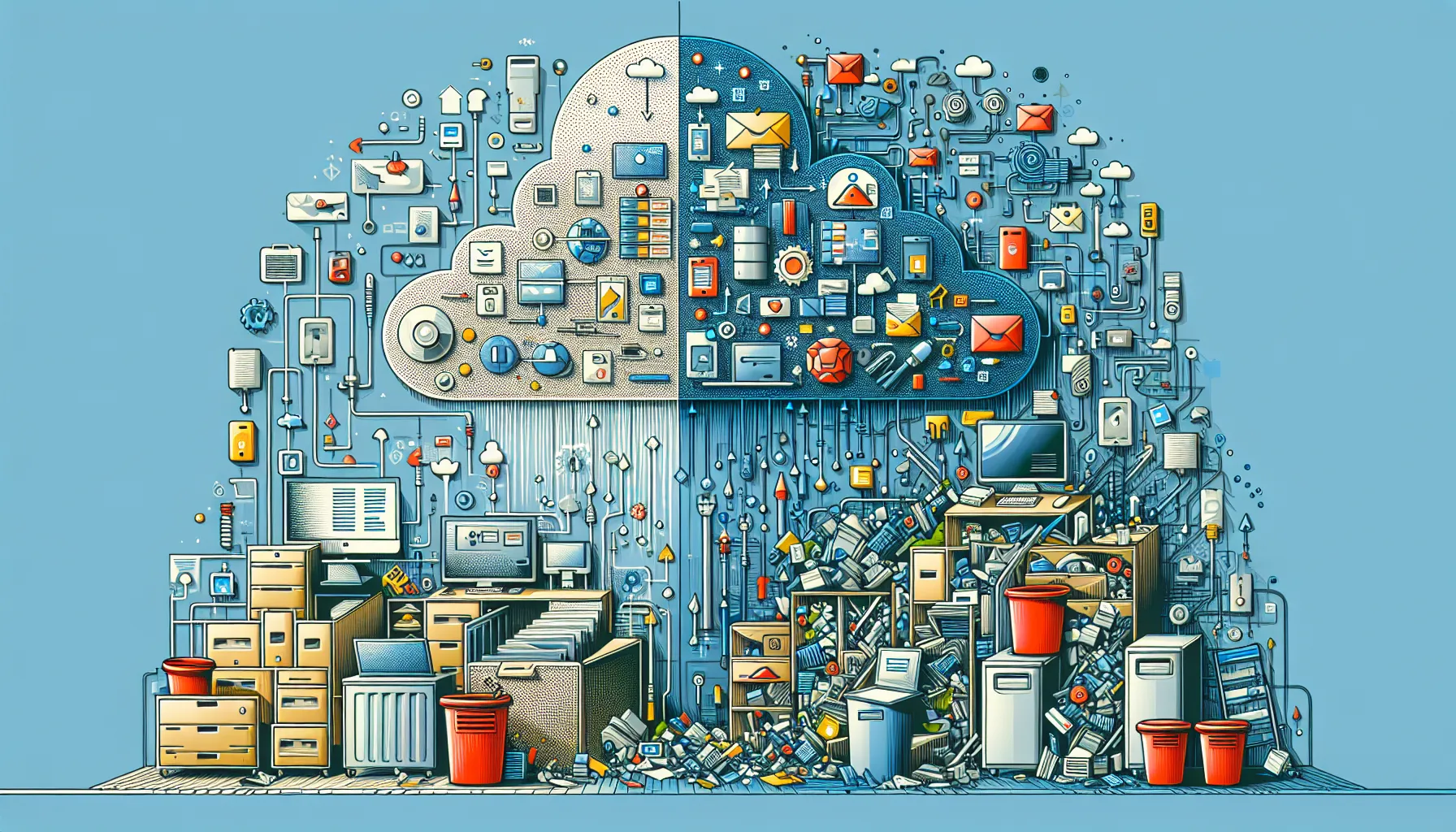
In today’s fast-paced digital landscape, it’s essential to regularly assess and manage digital clutter to maintain efficiency. With an ever-increasing volume of information and digital assets, a proactive approach to decluttering can significantly enhance productivity and mental clarity. Establishing a routine for ongoing digital organization is vital; consider designating specific times weekly or monthly to review and streamline your digital spaces. This habit can lead to a more organized digital life, allowing you to focus on what truly matters.
At present, staying informed about emerging tools and trends in digital decluttering is crucial. Technologies and applications are continuously evolving, providing innovative solutions to manage digital clutter effectively. For example, AI-driven organization tools can help categorize documents and emails, while cloud storage options can simplify file management. Keeping up with these advancements will ensure you leverage the best practices and technologies available.
In conclusion, the future of digital decluttering looks promising as we witness the rise of more intuitive and user-friendly tools designed to tackle digital chaos. As highlighted by Forbes, AI is set to revolutionize personal productivity, enabling smarter categorization and prioritization of digital content. By embracing these changes and committing to regular digital assessments, you can ensure your digital life remains manageable and efficient.
Take action now: start by identifying the areas of your digital life that need attention. Create a plan to declutter those spaces systematically and incorporate regular reviews into your routine. Explore new tools and resources, such as PCMag’s guide on file management software, to enhance your digital organization. The journey to a clutter-free digital life begins with a single step—so why wait? Start decluttering today!
Frequently Asked Questions
What are the best tools for digital decluttering?
Some of the best tools for digital decluttering include applications like CleanMyMac for Mac users, CCleaner for Windows, and Disk Cleanup tools for both platforms. Cloud storage services such as Google Drive and Dropbox can help you organize files, while note-taking apps like Evernote or Notion aid in managing notes and tasks. Additionally, using password managers like LastPass can streamline your digital life by securely storing and organizing your passwords.
How often should I declutter my digital life?
It’s recommended to declutter your digital life at least once every three to six months. Regular maintenance helps prevent digital clutter from accumulating. Consider setting aside time monthly to review files, emails, and applications. Daily practices, such as unsubscribing from unnecessary newsletters or deleting unused apps, can also help keep your digital space organized and manageable. Tailoring your decluttering schedule to your personal needs will ensure a more effective digital environment.
Can digital decluttering improve my productivity?
Yes, digital decluttering can significantly improve your productivity. A clutter-free digital environment reduces distractions, making it easier to focus on tasks. When your files, emails, and applications are organized, you can quickly find what you need, saving time and mental energy. Furthermore, a streamlined digital workspace reduces decision fatigue, allowing you to allocate more cognitive resources toward your work. Ultimately, a tidy digital life enhances your efficiency and promotes a more productive mindset.
What should I prioritize when decluttering my digital life?
When decluttering your digital life, start by prioritizing areas that cause the most stress or distraction. Focus on your email inbox, organizing it by unsubscribing from newsletters and categorizing important messages. Next, tackle your files and folders by deleting duplicates and archiving old documents. Pay attention to apps on your devices—remove those you rarely use. Lastly, consider social media accounts; unfollow or delete ones that don’t contribute positively to your digital experience.
How can I maintain my digital decluttering efforts?
To maintain your digital decluttering efforts, establish a routine. Schedule regular decluttering sessions, such as monthly reviews or weekly check-ins, to keep your digital space organized. Adopt the “one in, one out” rule: for every new app or document you add, remove one. Utilize cloud storage solutions to keep files organized and limit the number of devices you use. Lastly, be mindful of your digital habits and consciously unsubscribe from services that no longer serve your needs.
How do I handle sentimental digital items?
Handling sentimental digital items can be challenging during decluttering. Start by assessing the emotional value of each item. Consider creating a dedicated folder for truly cherished memories, such as photos or documents, while deleting duplicates or items that no longer hold significance. You might also want to create a digital scrapbook or a cloud-based photo book as a way to preserve memories without cluttering your digital space. This method allows you to cherish memories while maintaining an organized digital life.
Are there any risks involved in digital decluttering?
Yes, there are some risks involved in digital decluttering. The primary concern is accidentally deleting important files or data. To mitigate this risk, always back up your data before starting the decluttering process. Use cloud storage and external hard drives for backups. Additionally, ensure you understand the functionality of tools you use for decluttering, as some may permanently delete files. Taking a cautious approach will help you enjoy the benefits of decluttering while minimizing potential setbacks.